
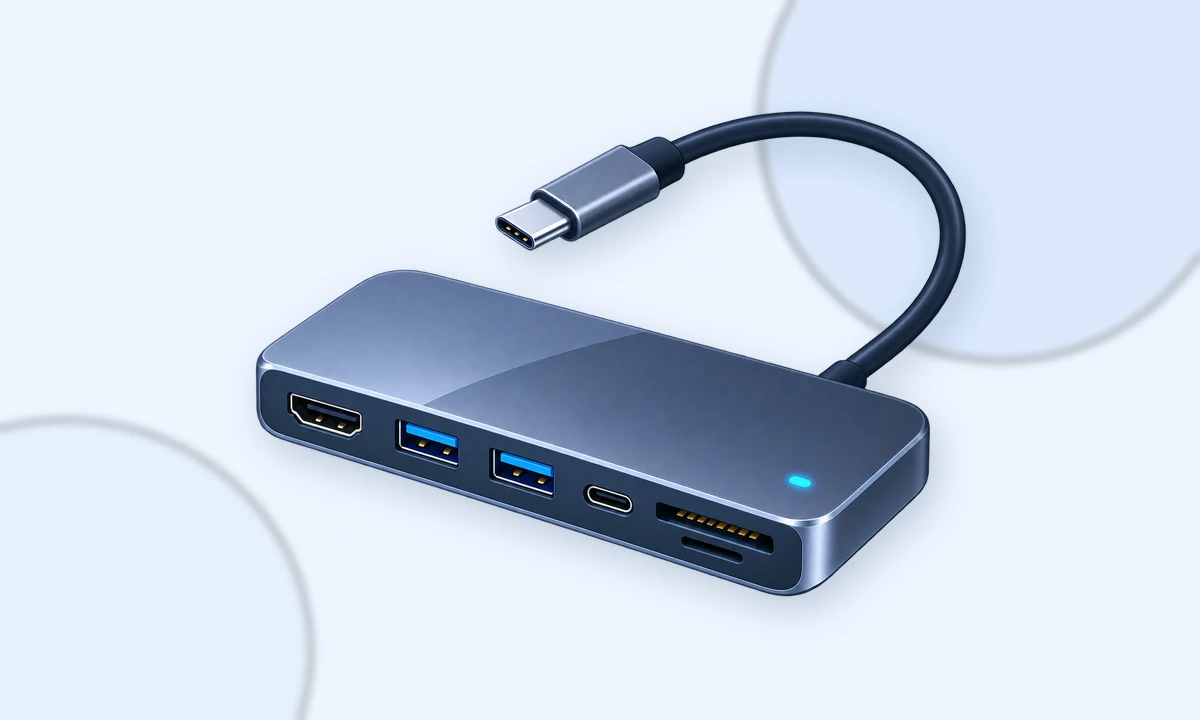
List the ports you use every day
For most desk setups, HDMI or DisplayPort, Gigabit Ethernet, two USB-A ports and USB-C power passthrough cover the essentials.
Check display limits
A hub advertising 4K output does not guarantee your laptop, operating system and port can drive every advertised combination. Check the laptop's USB-C/Thunderbolt capabilities first.
Power passthrough is not free power
A 100 W input does not necessarily mean the laptop receives the full 100 W because the hub consumes some power itself.
Shortlist to check on Amazon.ca
As an Amazon Associate I earn from qualifying purchases. Links below are paid links.

Anker 555 USB-C Hub (8-in-1)
A practical baseline for HDMI, USB-A, Ethernet, card readers and USB-C power passthrough.
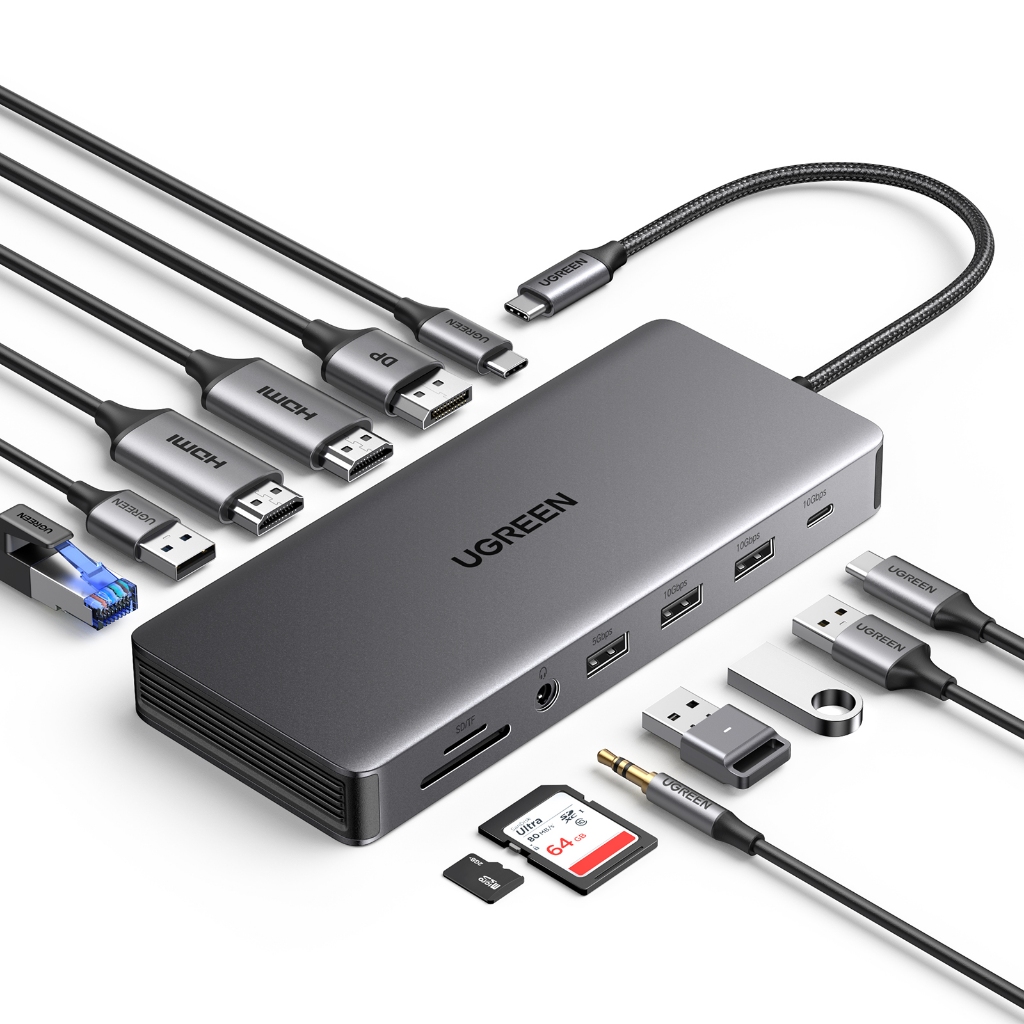
UGREEN Revodok Pro 313
A feature-heavy dock to compare when you want more display, network and peripheral ports in one unit.

CalDigit TS4 Thunderbolt 4 Dock
A premium desk dock for demanding setups that need many ports, fast storage and high-power charging.
Prices and availability can change. Product photos are illustrative; verify the exact model, colour and bundle on Amazon before ordering.
Send the exact device or setup and get a practical second opinion.